Software
DATRONIK
LASER AUTOMATION STUDIO
Our in-house software and control system is above all one thing: easy to operate. To keep it that way, it is continuously updated and enhanced, and is of course Industry 4.0 compatible.
All functions on one level: you control the marking head, laser and additional axes at high working speed, with marking in real time.
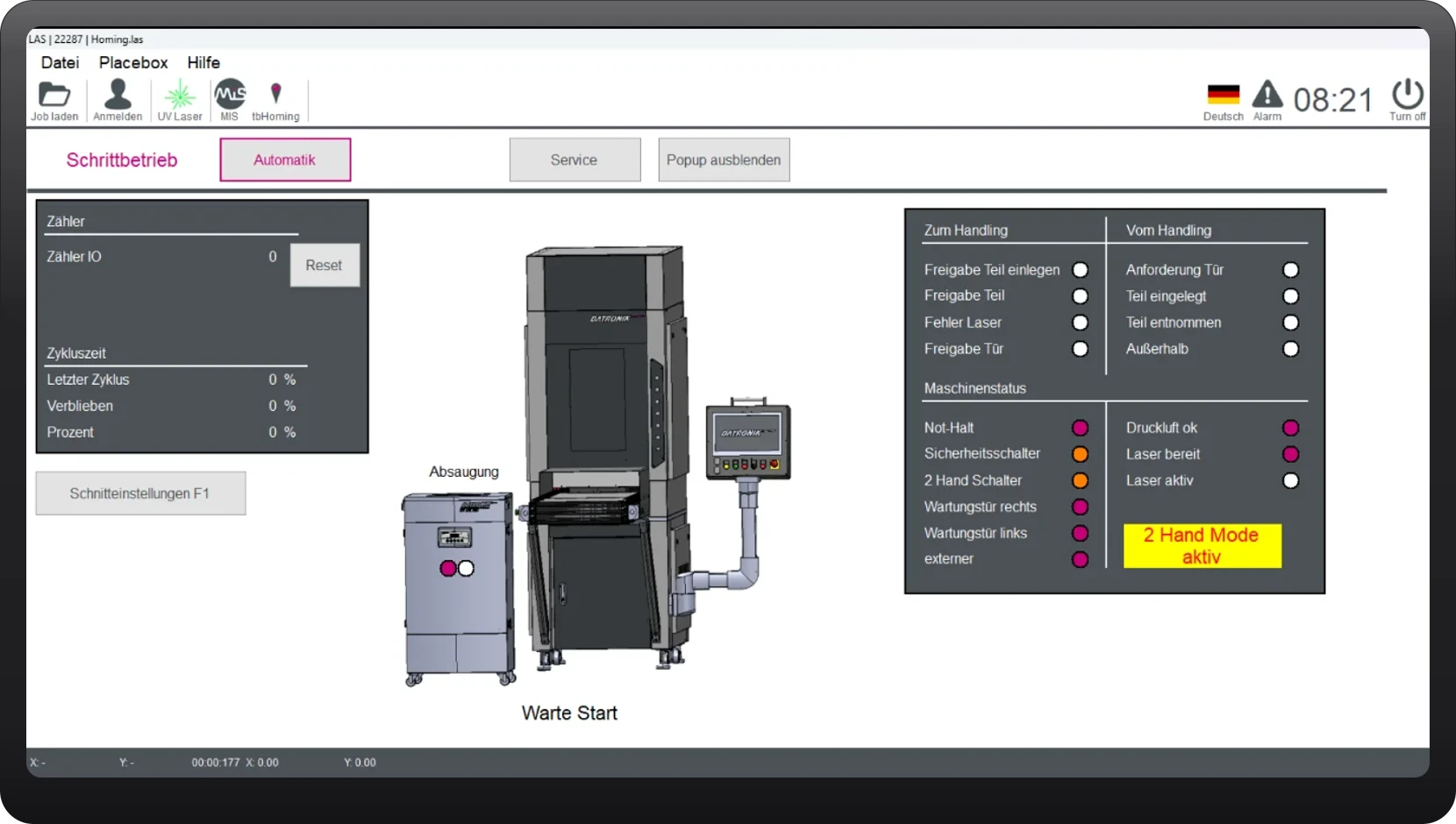
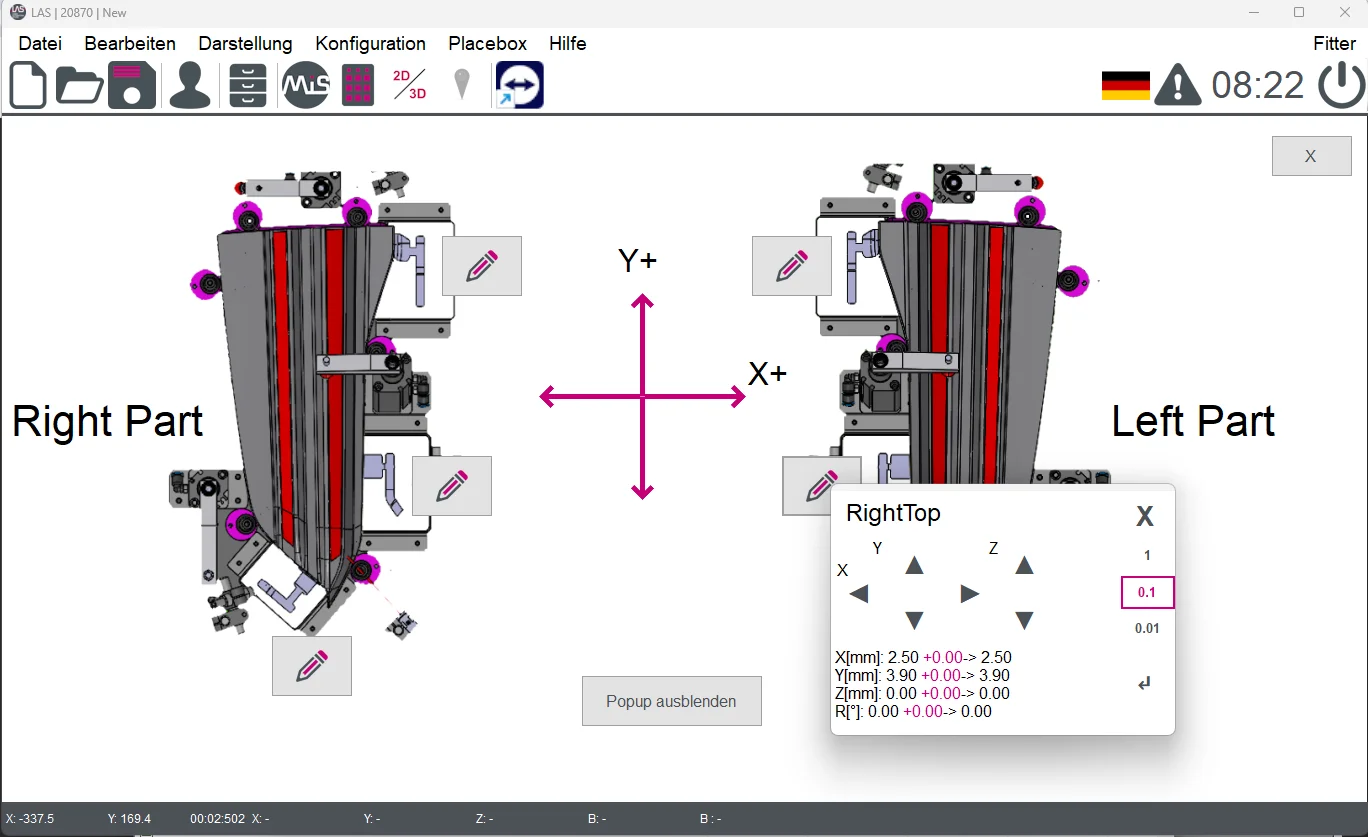
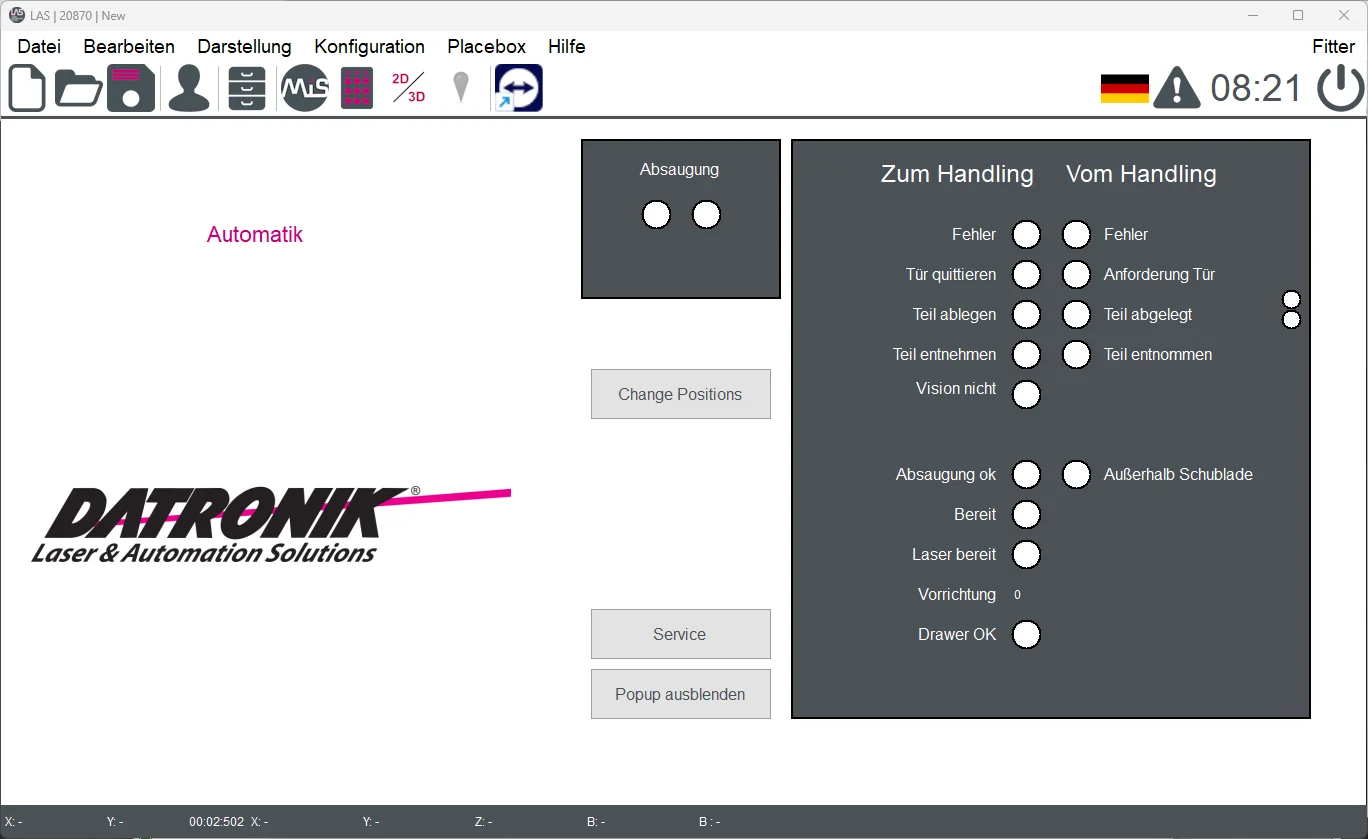
Visu
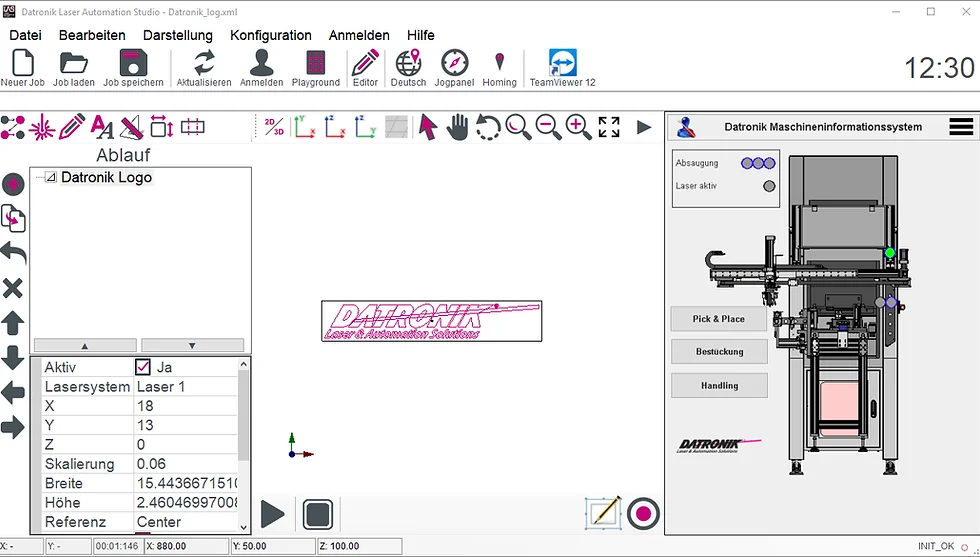
Everything at a glance - right in production
The integrated Visu shows all key machine parameters. Positions are displayed and can be adjusted directly - no mental arithmetic required.
- See machine parameters in real time
- Adjust positions quickly
- All functions on one level, with no switching
The system
Simple, flexible, industry-ready
Benefit from a system that is simple to operate and flexible in its options - standard or tailored to your needs.
Integration
Profibus, Profinet or hard-wired interface. Connection to higher-level controllers and databases.
Operating system
Windows 11 based control system for optimal integration into any network.
Security
User levels protect against unauthorized changes. Viewing and editing only after login.
Functionality
Standardized and custom modules, extendable with software building blocks for special solutions.
Network
Wi-Fi or LAN for connection to existing networks.
Languages
Interface available in German, English and a language of your choice.
Flexibility
Stand-alone automation, manual operating station or integration into an automation system.
Remote maintenance
TeamViewer access with password confirmation for secure remote services.
System interface
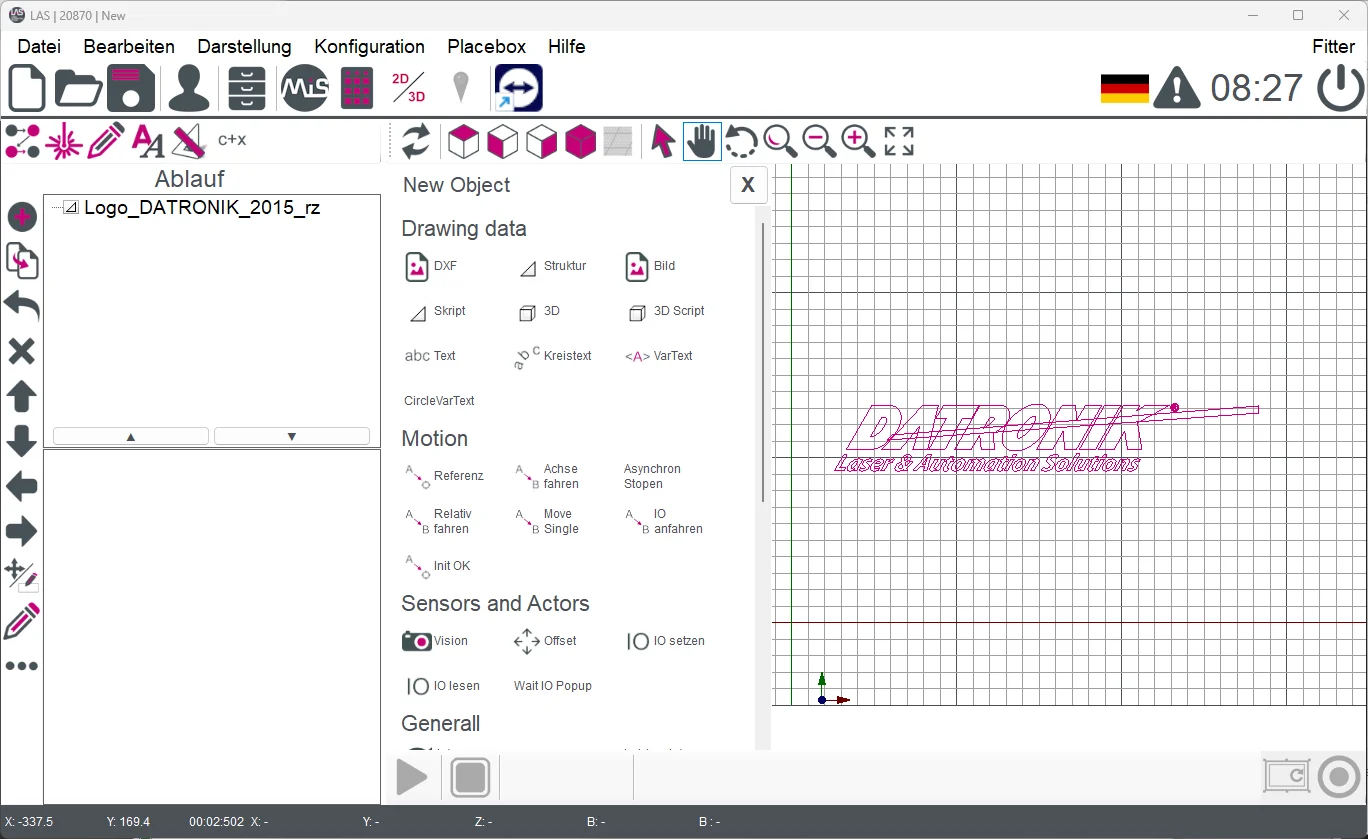
New objects via menu or drag and drop
Simply drag DXF files into the software, structure your processes and access all relevant views instantly.
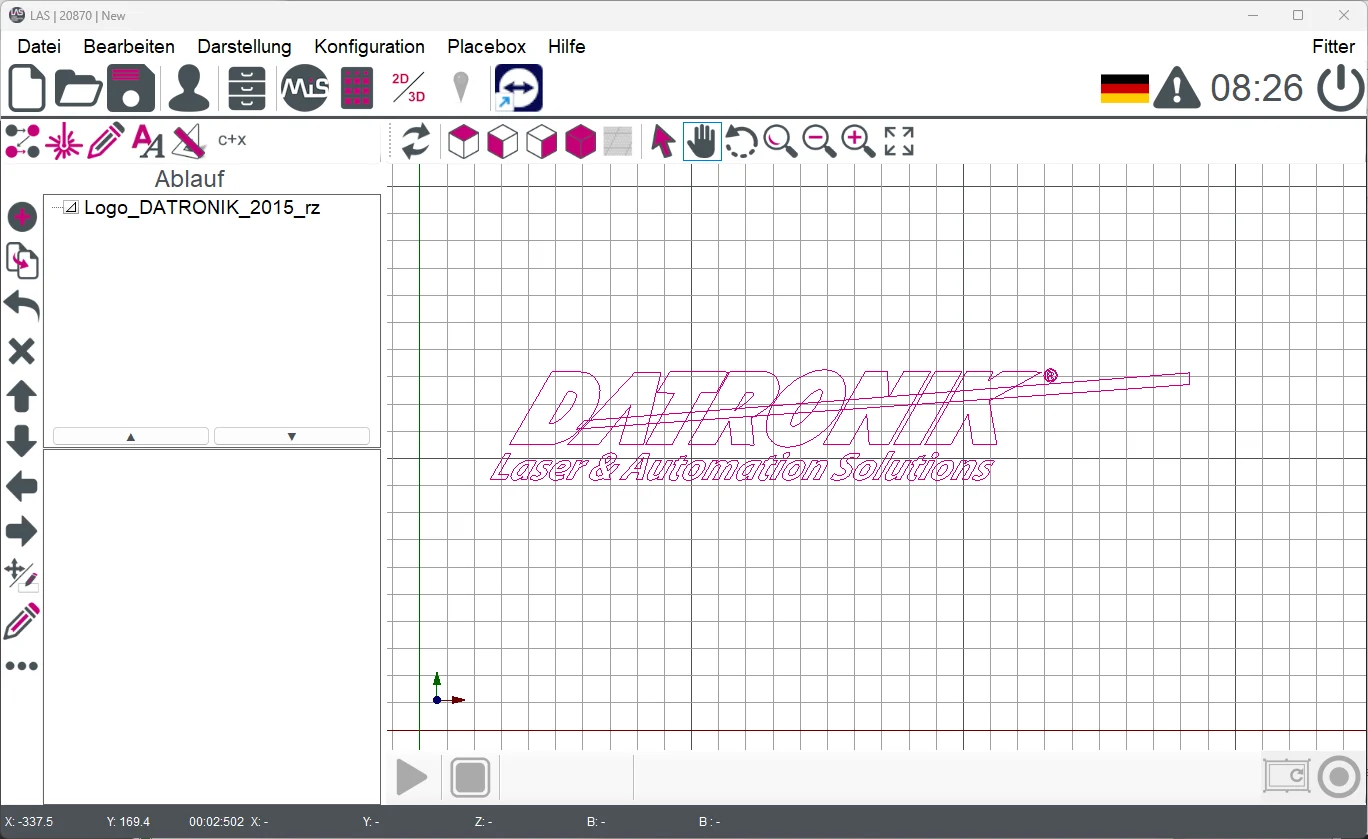
Playground
From idea to implementation
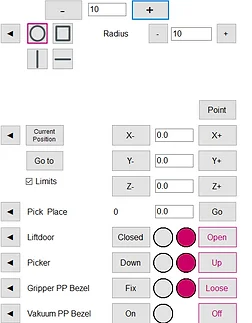
Use the Playground editor to create projects, check sequences and transfer finished jobs directly to the system.
- Display simple shapes
- Control positioning drives
- Control actuators
- Display sensors
- Run through the sequence and insert it directly into the job
Custom job format
Exactly the way your process needs it
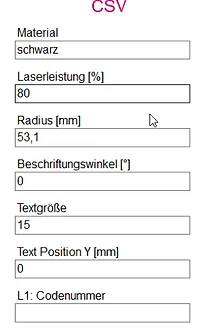
Create your own job format, combine data sources and keep operation especially simple for your team.
- Save jobs as CSV or in any format you choose
- Database connection with freely definable parameters
- Can be controlled automatically via the interface
- Barcode on the fixture or bridge coding
- Interface to the handling system and load button in the menu bar
Job selection
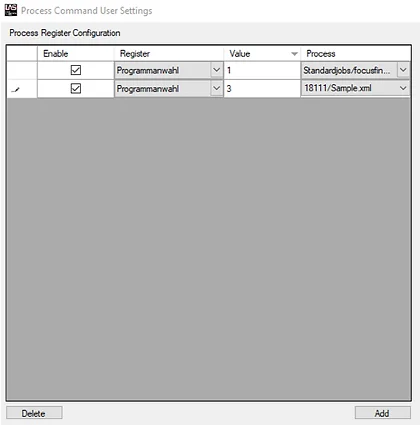
Load and start jobs quickly
Selection is intuitive. Interfaces ensure seamless integration into existing lines.
3D marking
2D or 3D - you decide
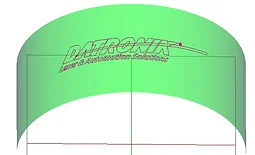
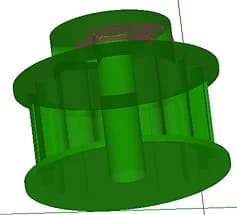
From standard surfaces to free-form geometries - the software supports all relevant 3D processes.
- 2D and 3D marking to suit your requirements
- Marking on cylinders, cones or spheres
- Marking on free-form surfaces
- Import of 3D paths
- Deep engraving from STL files
Reliability
Reliability through standards
We set the bar high for reliability - which is why it comes as standard.
- Standard building blocks for positioning drives, motors, axes, laser, shutter and fume extraction
- Automatically generated error messages for reliable processes
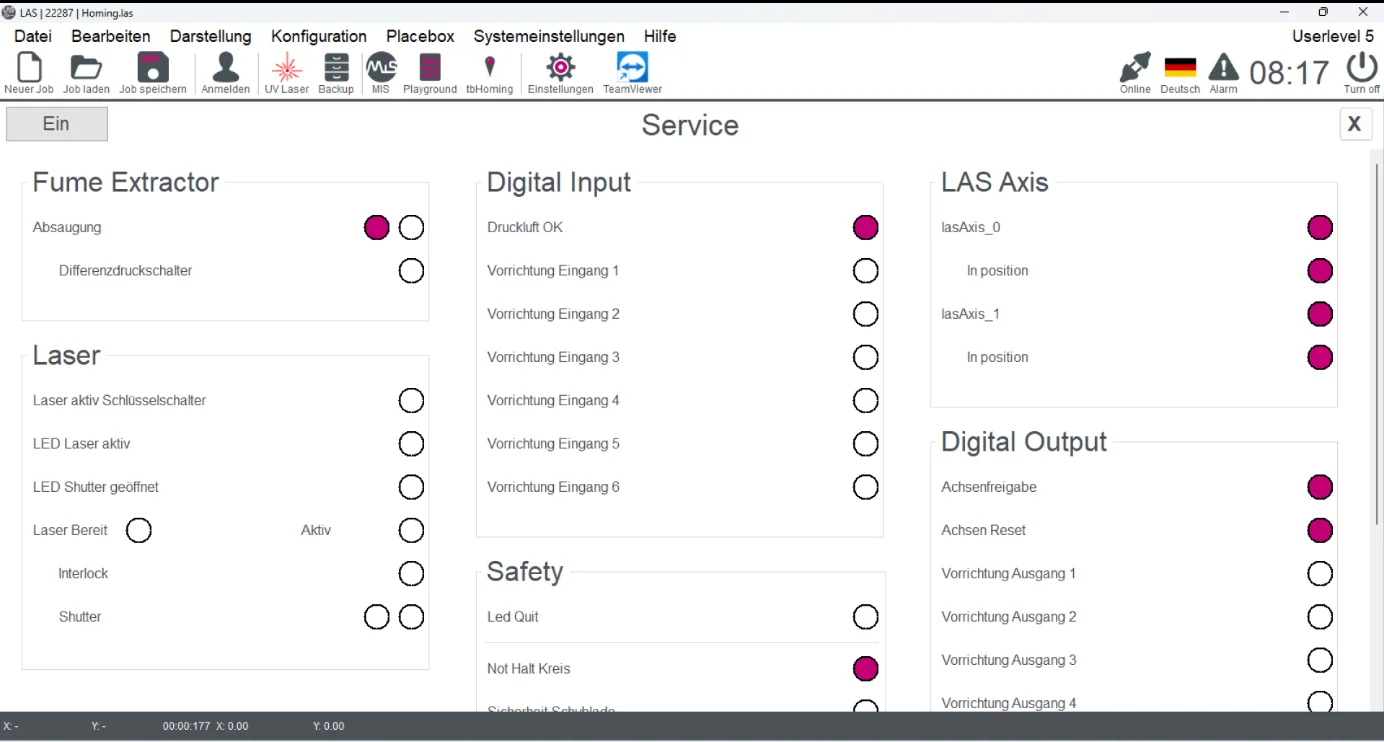
- Intelligent service menu for fast diagnostics
- Storage of up to 100 machine parameters
- Operating hours and part counters
File formats
Import whatever you need
The following file formats can easily be imported into the DATRONIK Laser Automation Studio.
Ready for the next step?
Together we define your requirements and show you how the Automation Studio accelerates your laser processes.